More colors for Google Calendar events and text
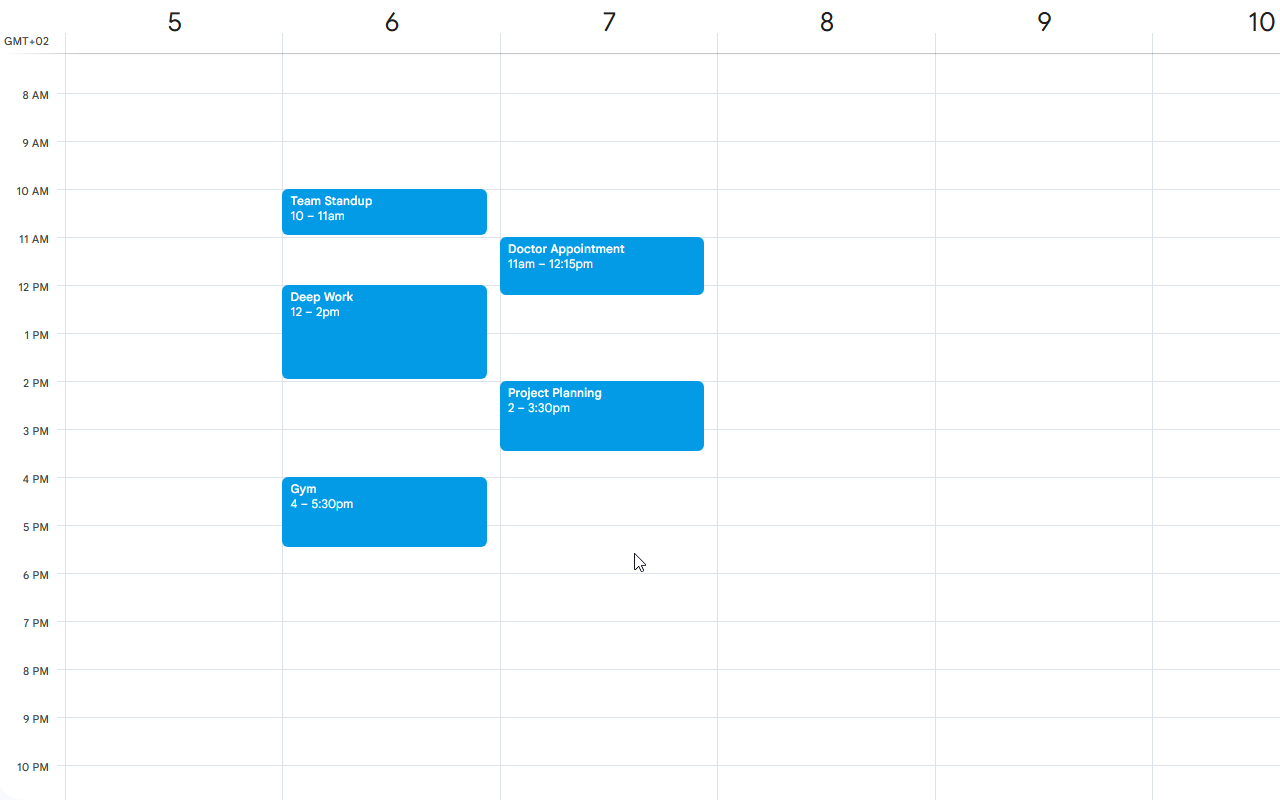
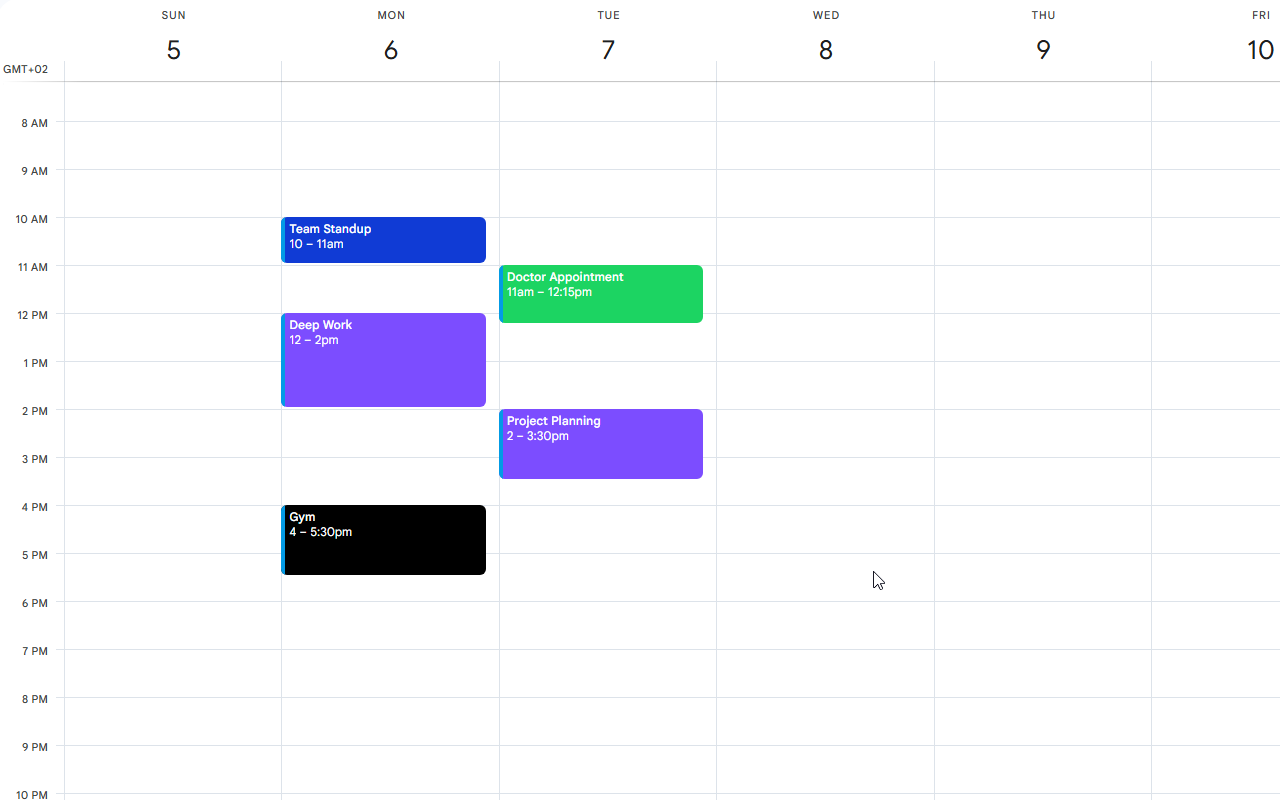
Tint Calendar lets you assign custom colors to any event with a single click — and remembers your choices across every session.
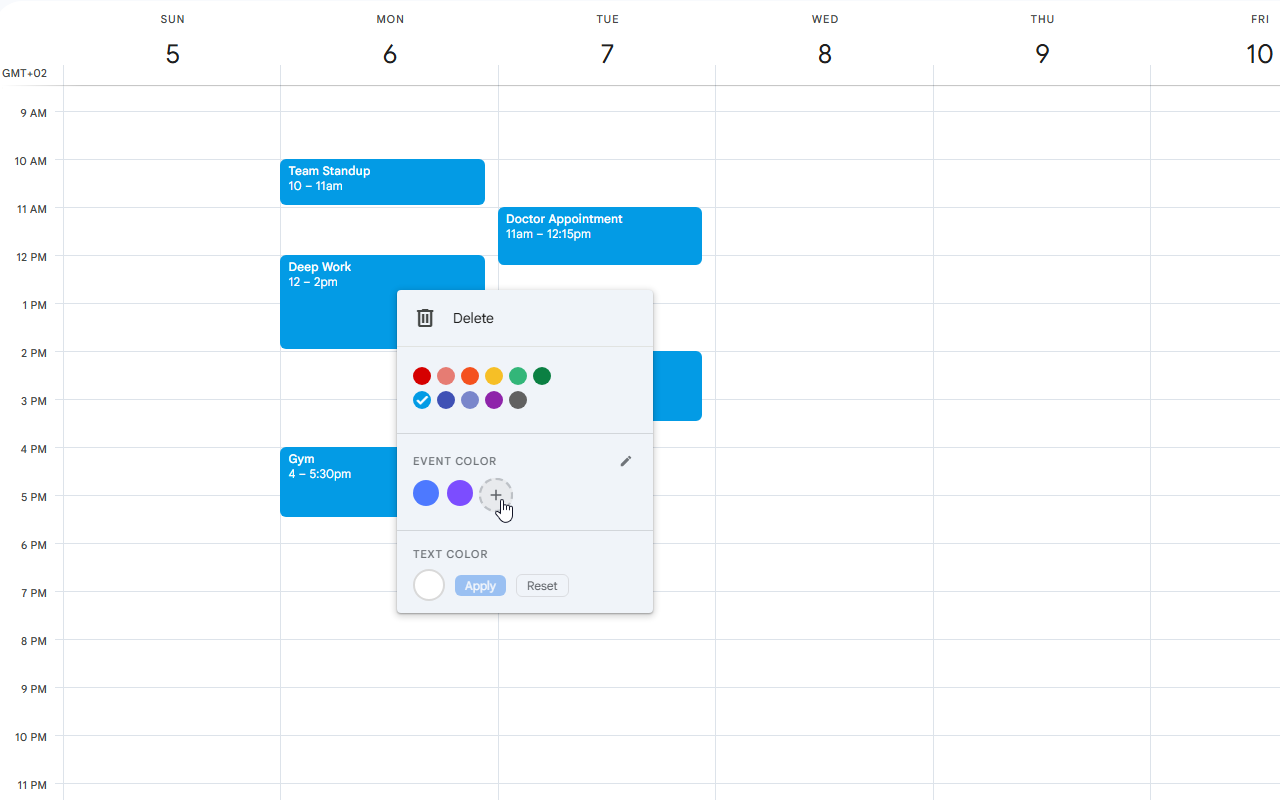
Pick from your own custom palette — not just the default 11 colors Google gives you.
No extra tabs or menus. Just right-click an event and apply a color instantly.
Everything stays in your browser. No accounts, no servers, no tracking — ever.
Features
Everything you need, nothing you don't
Custom event colors
Apply your own colors to any calendar event and make your schedule easier to scan at a glance.
Custom text color
Change the text color of event titles independently — perfect for dark backgrounds or extra contrast.
Persistent preferences
Your selected colors are saved locally in your browser, so they survive page reloads and future visits.
Simple color management
Add and remove custom colors through an integrated color picker — no settings page required.
Screenshots
See it in action




How it works
Up and running in seconds
Support
Questions, feedback, or bug reports: tintcalendar.support@gmail.com
Privacy Policy: View here